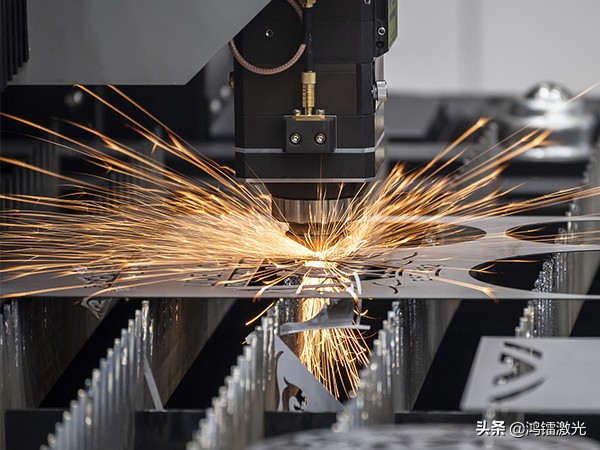

After replacing a laser cutting head, do you know how to find the zero focal point again? This is a critical preparatory step before process debugging, as replacing the cutting head may shift the zero focal point.
Why Finding the Zero Focal Point Matters
Finding the zero focal point is an essential step before process calibration. It directly impacts subsequent cutting process debugging because replacing the cutting head can alter the zero focal position.
Method 1: Smart Drawing Setup
After replacing the cutting head, all cutting process parameters may need readjustment. If you calibrated the zero focal point during initial setup, simply recalibrate it once after replacing the head, then only minor fine-tuning of process parameters is needed before cutting can resume.
Method 2: Cut-and-Focus Test Workpiece
This step requires preparing a test workpiece using feeler gauges (thickness gauges). Feeler gauges come in various thicknesses. To save time, the selection and combination process is simplified.
The goal is to find the thickness where the gauge can pass through all slots in one pass until it encounters a slot it cannot pass through, while ensuring the gauge can pass through the slots both before and after that blocking slot. This identifies the zero focal point position.
Calibration When the Blocking Point Is Not at Zero
If the slot that blocks the gauge is not at position 0 but at position 2, for example, you need to calibrate in the system:
- Start the automatic focal point test.
- Find "Focal Point Standard Value" and enter 2.
- Click "Write Calibration".
This completes the entire zero focal point calibration process.
Summary
Using these methods, you can easily calibrate the zero focal point of your cutting head, laying a solid foundation for subsequent process debugging.